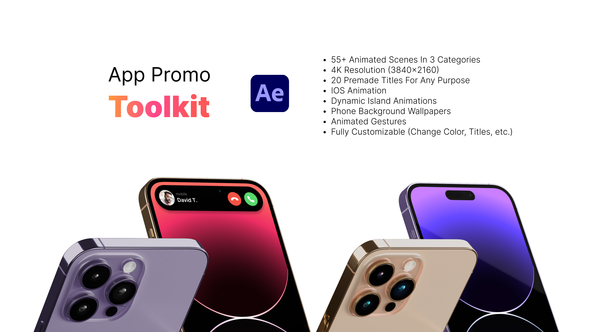
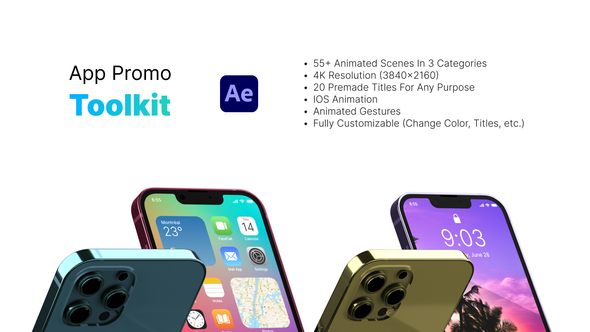
Description
Requirements
- Adobe After Effects CC 2023 or newer
Edit Guide
- Download and install the font (if provided).
- Open the project file in After Effects.
- In the project panel, find the folder “02. Edit Comps”.
○ Media → open and drag your images/videos into timeline
○ Text → open and edit your text layers
○ Color → open and adjust colors in Control layer (press F3 for Effect Controls)
Music used in preview: Tap the link
- Go to File > Import > File.
- Select your audio and click Open.
- Open Render Comp > Final Comp.
- Drag and drop your audio into the timeline.Render Video
- Open Final Comp.
- Go to Composition > Add to Render Queue.
- Choose your output settings.
- Click Render.
Support
- If purchased on Videohive, contact via profile page.