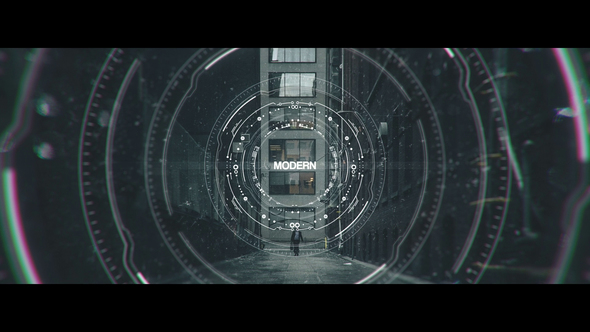
Cinematic Grain Effect for After Effects
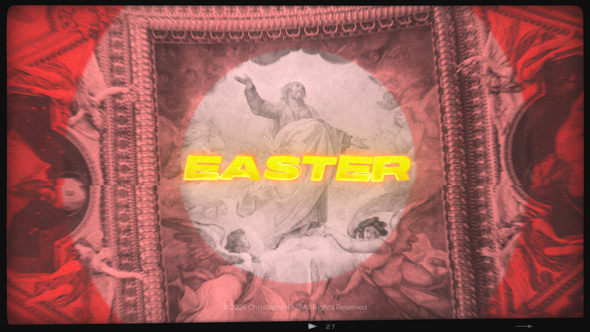
Bring a timeless cinematic atmosphere to your videos with the Cinematic Grain Effect template for After Effects 2024 and above. Designed for creators seeking a quick and professional way to add authentic film grain, this drag-and-drop solution eliminates the complexity of standard grain effects. Whether you’re working on a short film, trailer, music video, or motion design piece, this template delivers a customizable vintage look in seconds — no plugins required.
Unlike traditional grain overlays, this effect is fully editable via Essential Properties, giving you precise control over grain intensity, style, and aging effects. Perfect for stylizing modern footage or adding a retro analog touch to animation and digital projects. The effect supports both landscape and portrait formats, and works seamlessly in 4K and Full HD resolutions.
- Drag & Drop: Instantly apply cinematic grain to your footage
- Compatible with After Effects 2024+
- Editable via Essential Properties – customize intensity, style & more
- No Plugins Required
- Supports Horizontal & Vertical Videos
- 4K and Full HD Compatible
- Includes: Video tutorial, PDF text guide, and Help file
- Audio not included – Get the preview track here
Whether you’re creating commercials, social media content, artistic reels, or vintage-style animations, Cinematic Grain Effect adds that textured, authentic film feel that’s trending right now.
Need help or have questions? Contact me via my VideoHive profile.







.png)